

Access project settings
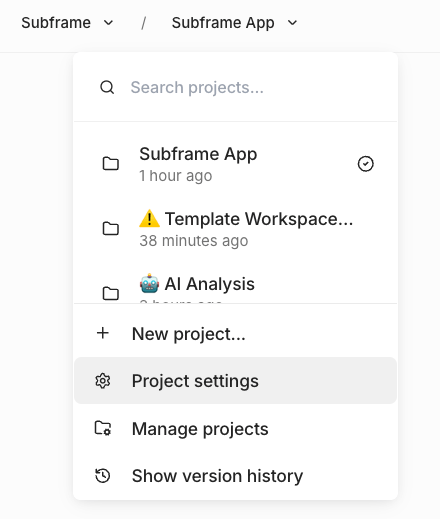
- Open your project in the editor
- In the left sidebar, find the Design System section
- Click the Configure code export icon next to Design System
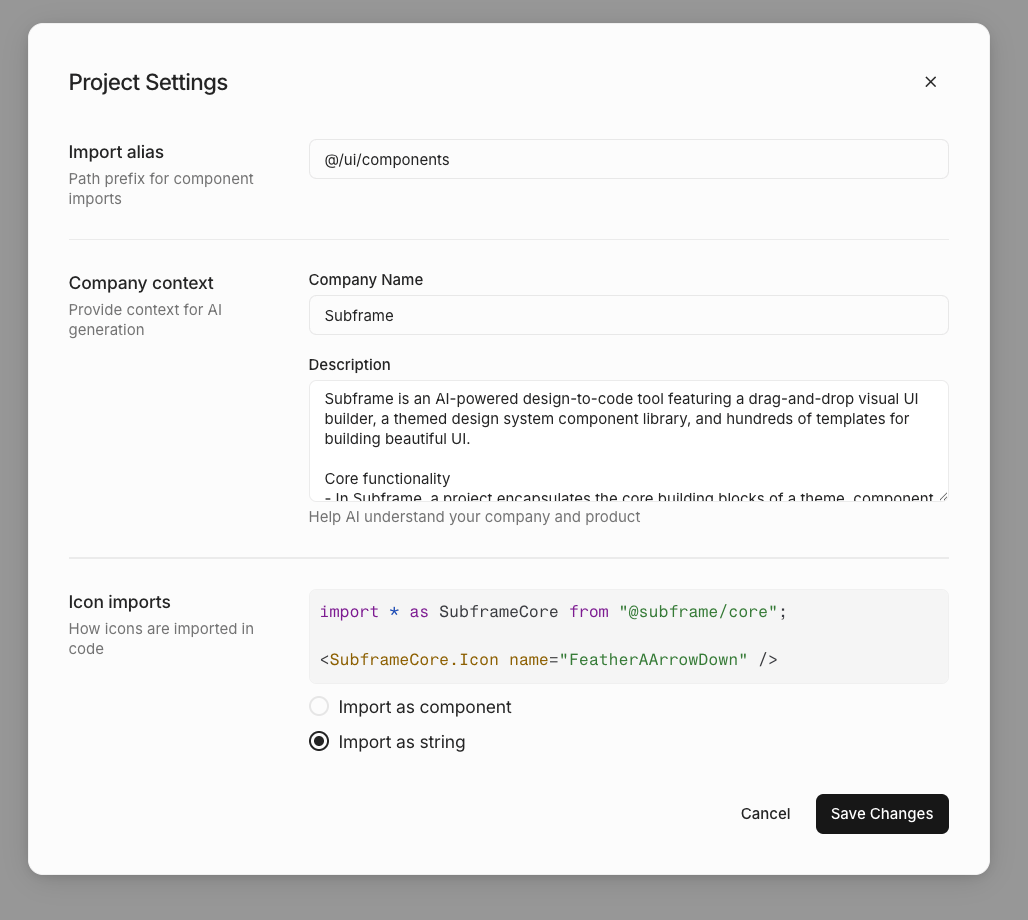
Import alias
Set the path prefix used for component imports in generated code. Default:@/ui/components
This determines how import statements appear in your exported code:
Icon imports
Choose how icons are imported in generated code.Import as component
Icons are imported as React components:Import as string
Icons are referenced by name as strings:If your project has uploaded custom icons, you must use “Import as component”. The string option is disabled when
custom icons are present.